
Openza Reader
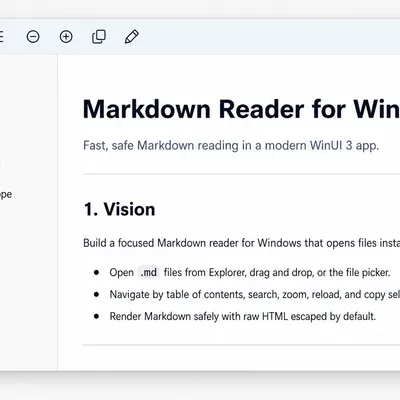
Open and read Markdown files without editing them.
What you can do
Section titled “What you can do”- Open Markdown files. Open
.mdand.markdownfiles from the app, File Explorer, or drag and drop. - Choose a reading view. Switch between Preview, Raw, and Side-by-side read-only views.
- Find your way around. Use headings, search, recent files, zoom, and reader themes.
- Control remote content. Choose whether remote images load and open external links in your browser.